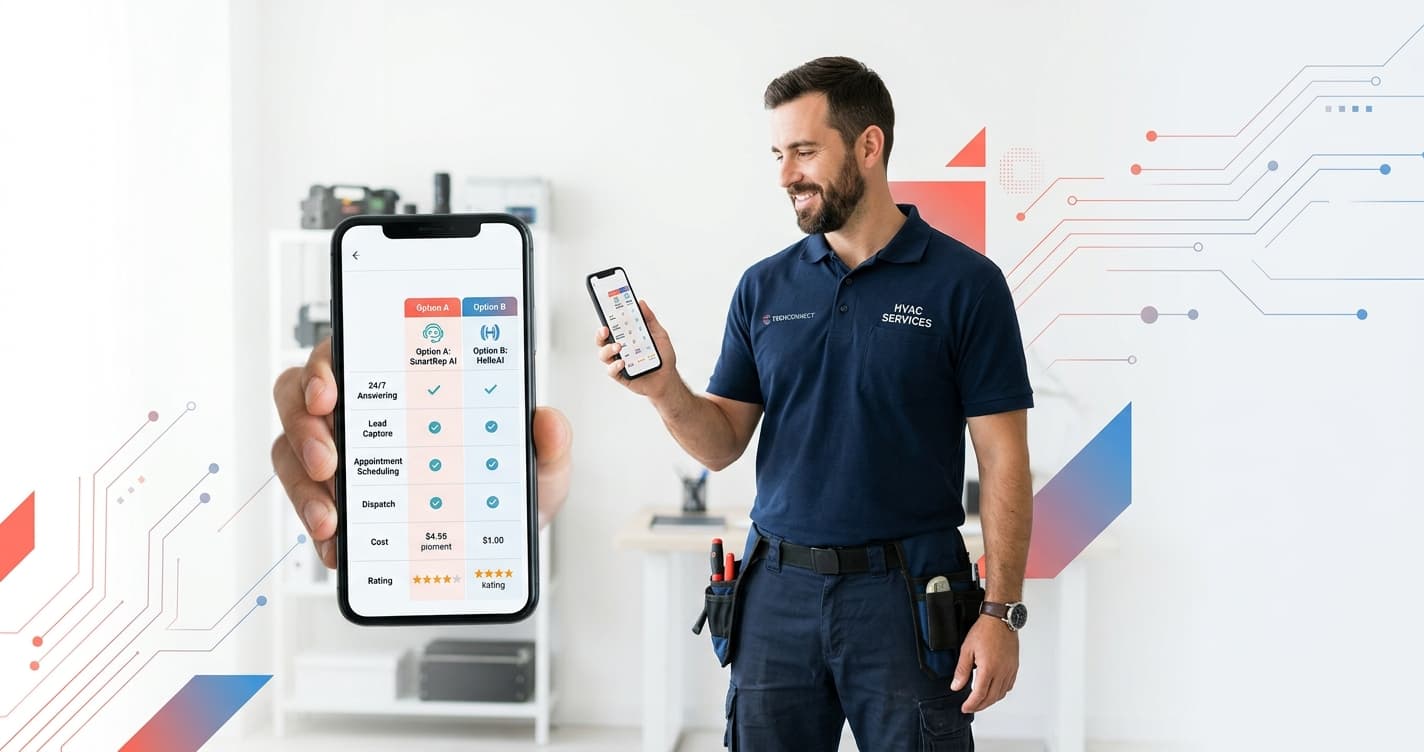
A managed HVAC AI receptionist is configured, trained, and updated for you — handling emergency dispatch, after-hours booking, and CRM routing without owner setup time. A DIY setup costs less per month but requires you to write scripts and retrain whenever services change. For HVAC crews of 3–12 technicians fielding calls through a summer heat wave, managed AI receptionist recovers more billable calls per peak-season hour.
For a broader look at AI tools built for HVAC and home services companies, see the Home Services AI Guide.
This guide covers the HVAC AI receptionist managed vs DIY decision across four criteria that determine peak-season performance: initial setup, emergency call handling, after-hours booking, and CRM integration.
What Does a Managed HVAC AI Receptionist Include That DIY Doesn't?
The surface difference is obvious — one is done for you, one is self-serve. Understanding the HVAC AI receptionist managed vs DIY gap means looking at what each option includes from day one, not just the monthly platform fee.
Managed HVAC AI receptionists ship with industry-specific call flows. Your provider has already tested routing for seasonal HVAC patterns: summer A/C emergencies, furnace calls in October, spring maintenance scheduling. When a homeowner calls at 11 PM saying their unit is down, the AI knows the difference between a routine inquiry and an emergency dispatch scenario — because those routing rules were set up by someone who handles HVAC accounts daily.
DIY platforms give you a blank canvas. Rosie, at $49/mo, is one of the more accessible self-serve AI receptionist tools. VoiceCharm targets HVAC specifically and runs $149–$299/mo. Both require you to configure the call tree, write scripts for each call type, and update those scripts when your business hours, service areas, or crew size changes.
That configuration time compounds. For a solo HVAC operator or a 3-person crew, the hours spent building and maintaining the AI are hours not spent diagnosing systems in the field.
In a pilot with a 6-technician HVAC company in the Chicago metro area, an Astucia-managed AI receptionist captured 94 inbound calls across a peak summer weekend — including 11 emergency A/C repair requests that booked same-day appointments — without any live dispatcher on duty. The same crew had previously handled peak weekends manually, missing an average of 2–3 calls per day when all technicians were dispatched simultaneously.
Why Do DIY HVAC AI Receptionists Struggle During Peak Season?
HVAC peak season is exactly when you most need an AI handling calls and exactly when DIY setups show their limits.
The problem is volume combined with variety. A typical Tuesday in March might bring 15 calls: a mix of maintenance requests, quote inquiries, and scheduling changes. A self-configured AI handles those fine. The first 100-degree Friday in July brings 60 calls between noon and 8 PM — A/C emergencies, waitlist callbacks, tenant documentation requests, and callers who already left a voicemail and want to know why no one called back.
Generic DIY routing wasn't designed for that mix. When call volume spikes 4x and call types diversify, scripts that worked in March produce dead ends in July. Callers get incomplete responses, select the wrong menu option, and hang up.
Managed HVAC AI receptionists stay current because your provider maintains them proactively. If you expand your service territory before summer, the routing update is handled outside your field schedule. If call patterns shift — more after-hours bookings, more emergency escalations — a managed provider catches the pattern faster than a solo owner monitoring their own call logs between jobs.
The Air Conditioning Contractors of America (ACCA) publishes workforce and demand trend data for the HVAC industry annually. Peak load windows are predictable — they're not surprises, but they consistently expose configuration gaps in DIY systems that were built for average volume, not surge conditions.
Free Resource
Free Call Script Pack
Calculate your missed-call revenue loss and get 12 proven call scripts for AI receptionists.
Download FreeHow Does Each Option Handle HVAC Emergency Calls After Hours?
Emergency calls are the highest-stakes routing scenario in HVAC. A homeowner whose central A/C fails during a heat advisory isn't waiting until morning — they call the next company on their list if they reach a generic voicemail.
A managed HVAC AI receptionist distinguishes emergency intent from routine scheduling. The triage logic — does this caller need same-night dispatch or can they schedule for tomorrow? — is configured based on your actual dispatch rules and on-call coverage. Emergency calls trigger a different outcome: immediate routing, an on-call callback number with an expected response time, or same-night booking when your technician is available.
DIY HVAC AI receptionists handle emergency calls based on what you programmed. If you set up a simple after-hours message with a callback number, that's what callers receive. If you configured a more detailed triage sequence, it works until the caller says something outside the script — "the unit is making a grinding noise and the ice is melting onto the floor" — and the AI stalls.
The failure mode is silent. The DIY AI didn't break visibly — it delivered a generic response to a caller with a real emergency, and that caller called a competitor. You learn about the miss when you check your call logs the next morning.
Managed vs DIY HVAC AI Receptionist: Side-by-Side Comparison
Here is how the HVAC AI receptionist managed vs DIY options stack up across the criteria that determine peak-season call capture:
| Capability | DIY Self-Serve | Managed (Astucia) |
|---|---|---|
| Initial setup time | Owner configures (hours to days) | Done for you in 3–5 business days |
| HVAC-specific call scripts | You write from scratch | Industry-prepped and customized |
| Script updates when services change | Manual (between service calls) | Included — provider handles changes |
| Emergency call routing | Generic scripts you define | Urgency-detection with dispatch triage |
| After-hours booking | Basic calendar link or callback | Calendar-integrated, triaged by urgency |
| GoHighLevel (GHL) integration | Manual Zapier or webhook setup | Pre-configured — contacts and jobs auto-log |
| Support when something breaks | Help docs, chat support | Direct escalation line |
| Seasonal call-flow updates | Owner's responsibility | Proactive before peak windows |
| Monthly cost | $49–$299/mo (Rosie, VoiceCharm) | Request a quote |
The cost comparison is not just the monthly platform fee. DIY HVAC AI receptionist cost also includes your labor — initial setup, call flow testing, script debugging, and seasonal updates. A managed service that costs more per month but requires zero owner hours during peak windows often delivers higher ROI per call captured than a lower-cost platform you never had time to optimize.
Which Setup Works Better With GoHighLevel (GHL)?
Most growing HVAC businesses already run GoHighLevel for CRM, pipeline tracking, and dispatch calendars. The GHL integration question is where the managed vs DIY gap becomes most concrete on a daily basis.
With a managed HVAC AI receptionist, GHL integration is pre-configured at launch. When a caller books through the AI, a contact record is created or matched in GHL, the job type is tagged by call intent, and the appointment lands on the technician's calendar. If the caller is already in your CRM, the AI recognizes the number and pulls their service history to inform the triage. None of that requires your setup or ongoing maintenance.
With a DIY AI receptionist, connecting to GHL requires either a native integration — if your platform supports it — or a Zapier or Make.com workflow that introduces another layer of potential failure. Many small HVAC operators skip the CRM integration entirely and use the AI only to answer calls, losing the pipeline data that compounds value over time.
For businesses already running GHL, the integration question often makes managed the faster path to an AI setup that actually improves dispatch efficiency — rather than just replacing your voicemail with a more sophisticated dead end.
If you're deciding between platforms, the HVAC AI receptionist managed vs DIY question isn't just what the AI costs today. It's how many calls it will recover during your next 90-degree weekend, and whether you'll have time to maintain it when that weekend arrives.
Talk to Astucia about managed HVAC AI receptionist setup