The 10 restaurant website features that drive orders in 2026 are: online ordering integration, mobile-first design, sub-2-second load times, a digital menu with photos, online reservations, loyalty signup, Google Maps integration, an AI chatbot, review widgets, and structured data. Missing any one of these costs orders daily.
Your restaurant could be packed every weekend — but if your website is slow, confusing, or missing key functionality, you're losing customers before they ever set foot in the door.
The restaurant website design features you choose determine whether a hungry visitor places an order or bounces to a competitor. With 77% of diners visiting a restaurant's website before dining in or ordering online, there's no margin for a poorly built site.
Why Most Restaurant Websites Lose Customers
The problems show up the same way across the industry: a PDF menu that requires zooming, a phone number buried in the footer, a reservation form that hasn't worked since 2022, and a homepage that takes six seconds to load on a phone.
Customers don't troubleshoot. They leave.
The good news is that most of these failures come down to a short list of missing or broken features — not complex technical problems. Getting them right doesn't require a $20,000 redesign. It requires knowing which restaurant website design features actually move the needle, then building them properly.
10 Essential Restaurant Website Design Features
A high-performing restaurant site has a specific set of design features that turn casual browsers into paying customers. The 10 elements below consistently drive more online orders, reservations, and foot traffic regardless of cuisine type or price point.
Here's what every restaurant website needs.
Free Resource
Free Lead Audit Checklist
Find the 7 most common reasons your website visitors leave without converting.
Download FreeOnline Ordering Built Directly Into Your Site
Third-party delivery platforms charge 15–30% commissions per order. Every time a customer orders through DoorDash or Uber Eats instead of your website, you're paying for the privilege of your own customer.
When online ordering is integrated directly into your restaurant's website, customers place orders through you — not through a platform that takes a cut. Tools like Toast, Square, and custom-built systems let you accept orders, process payments, and manage pickups without third-party fees.
For restaurants doing any meaningful delivery or pickup volume, this feature alone often pays for a full website redesign within the first year.
A Mobile-First Menu That's Actually Readable
Over 70% of restaurant searches happen on smartphones. If your menu is a scanned PDF that requires pinch-zooming, you've already lost the sale before it started.
A proper digital menu page uses:
- Clear, large typography with item spacing
- Bold category headers to aid scanning
- High-quality food photography — even 3–5 images dramatically increase perceived quality
- Prices listed clearly, with allergen or dietary labels where relevant
- A sticky "Order Now" button visible as users scroll
The test is simple: pull up your menu on your phone right now. If you can't read it without zooming or horizontal scrolling, neither can your customers.
Fast Load Times — Under 3 Seconds
Google research shows 53% of mobile users abandon a site that takes more than 3 seconds to load. For restaurant searches happening in real time — someone on their lunch break searching "Thai food near me" — every extra second costs you a customer.
Speed comes from a few core decisions:
- Properly compressed images (unoptimized photos are the most common culprit)
- Minimal third-party scripts running on page load
- Hosting with a CDN (Content Delivery Network) for fast global delivery
- Lazy loading for below-the-fold content
A slow website isn't just a user experience problem — it directly suppresses your Google ranking and makes your restaurant invisible to people searching right now.
Prominent Click-to-Call and Address Info
Your phone number and address need to be visible without scrolling — ideally in the header on desktop and as a fixed bar on mobile.
A tappable phone number is one of the highest-converting elements on any restaurant website. Customers want to confirm hours, ask about dietary restrictions, or make a last-minute reservation. Make it a single tap from anywhere on your site.
An embedded Google Map on the contact page removes friction for first-time visitors navigating to your location. This is especially important for restaurants in busy urban areas where a wrong turn means a missed dinner.
A Reservation System That Works Without a Phone Call
If "call us to reserve" is your only booking option, you're invisible to the 60% of diners who prefer not to call — and losing weekend reservations to restaurants that have integrated booking.
OpenTable, Resy, and similar platforms integrate directly into restaurant websites and let guests book in under a minute. Even a simple contact form with date, time, and party size fields outperforms a phone-only system for a large segment of customers.
The goal is zero friction between "I want to eat here" and a confirmed reservation.
High-Quality Photography — and How to Get It Affordably
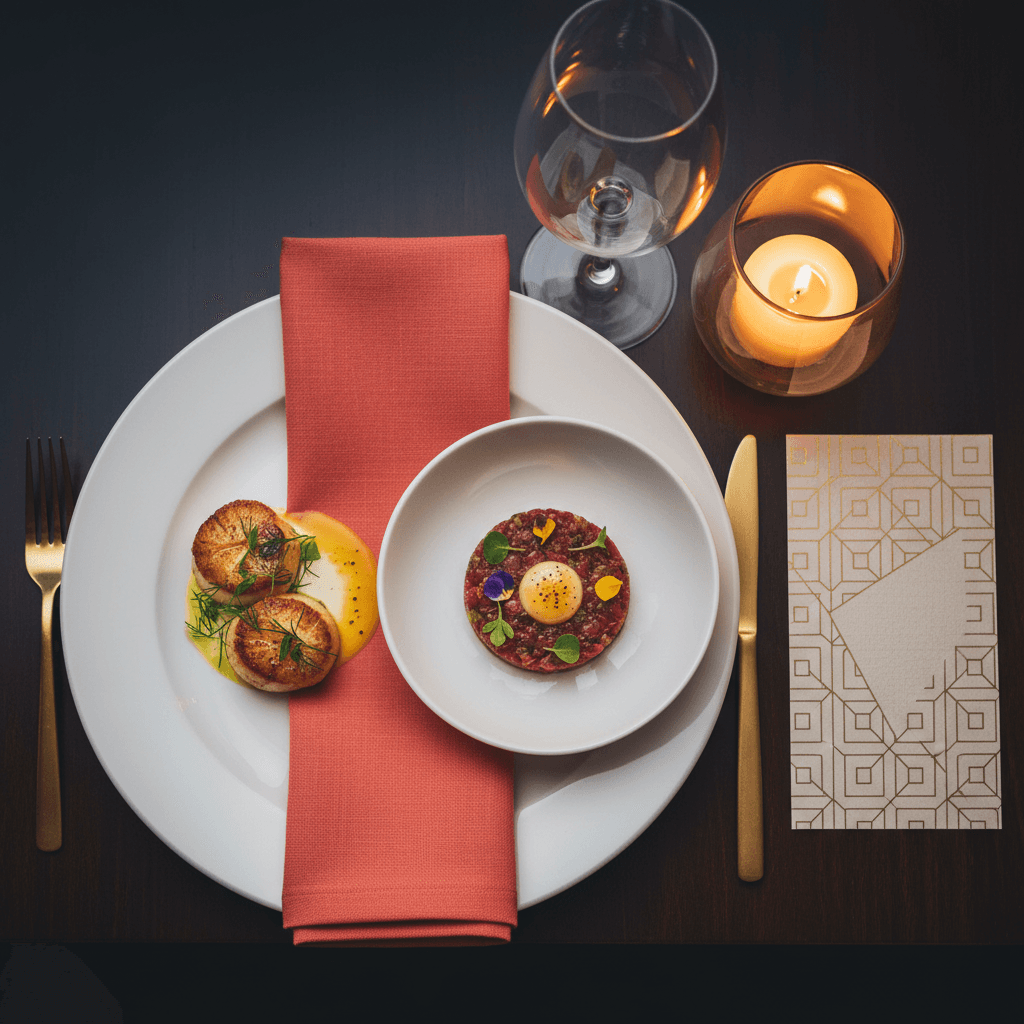
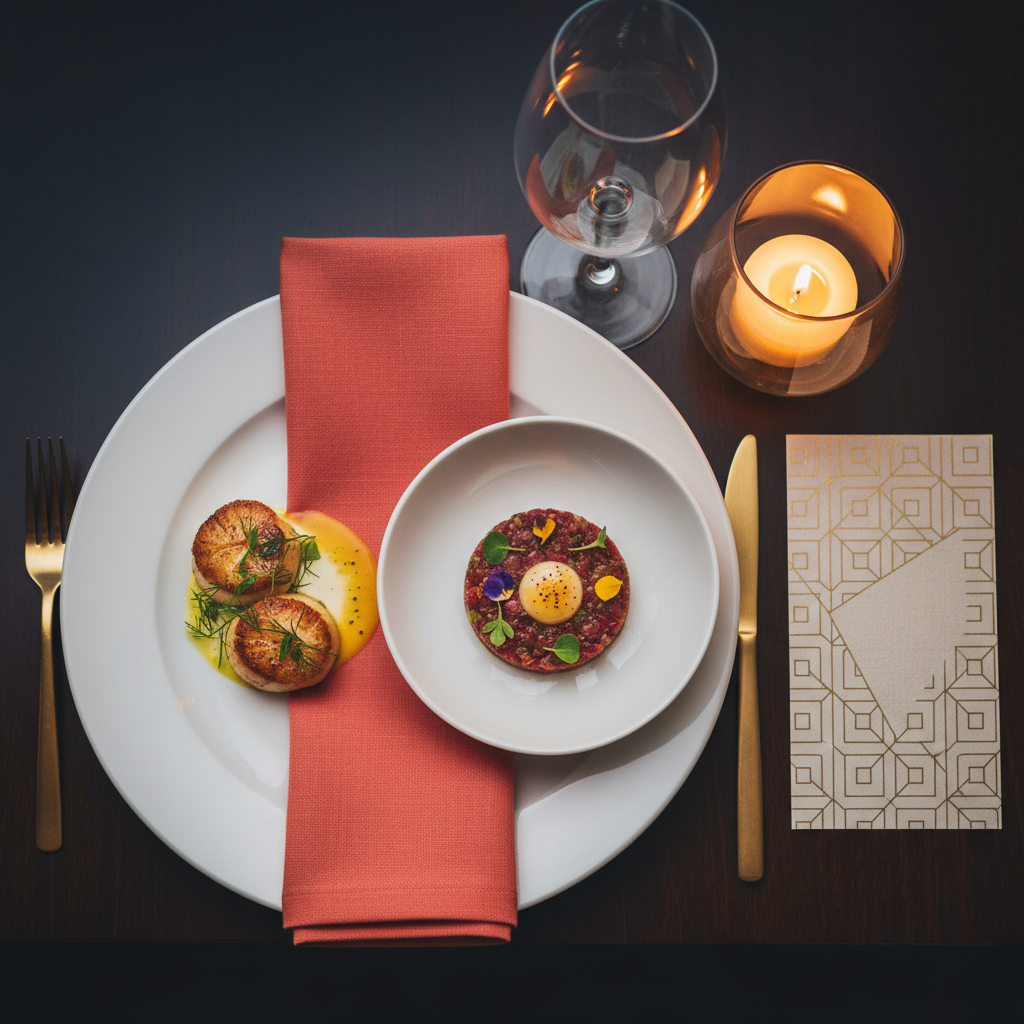
You don't need a professional photographer charging $3,000 a day. A modern smartphone, good natural light, and 30 minutes on a Sunday afternoon can produce images that outperform generic stock photography by a significant margin.
Authentic photos of your actual food, your actual dining room, and your actual team build trust in a way no stock image ever will. Visitors want to see what they're ordering and where they'll be sitting.
Research from Restaurant Business Online shows that menus with food photography see up to 30% higher average ticket sizes. The photos don't need to be perfect — they need to be real.
Accurate Hours With Seasonal and Holiday Updates
Nothing destroys trust faster than arriving at a restaurant that's listed as "open" on its website only to find a closed sign. Keeping your hours current — including holiday closures, seasonal changes, and private event blackouts — isn't optional.
Add a visible banner when you have special hours. Update your website the same day you update your Google Business Profile. These small habits protect your reputation and prevent the one-star review that starts with "website said they were open..."
Email Capture for Loyalty and Promotions
Your restaurant website is the highest-converting touchpoint for building a customer list. A simple email opt-in — offering a first-visit discount, a free dessert on their birthday, or early access to seasonal menus — can build a list of hundreds of loyal regulars who return without paid advertising.
Pair this with a basic email platform like Mailchimp or Klaviyo and you have a direct, owned channel to your best customers. No algorithm. No ad spend. Just a message that lands in their inbox.
Social Proof: Reviews and Media Mentions
First-time visitors make trust decisions within seconds of landing on your site. A visible "4.7 stars — 408 Google reviews" badge, a link to your Yelp profile, or a press mention from a local food publication does more for conversions than any tagline or hero image.
Embed your Google review rating prominently on the homepage. If you've been featured in local press, add a "as seen in" strip with outlet logos. These trust signals are often the difference between a visitor who books and one who keeps searching.
If building your review volume feels like an uphill battle, Astucia's review automation puts the entire follow-up process on autopilot — so every satisfied customer becomes a public review.
How Restaurant Website Design Features Affect Search Rankings
The restaurant website design features above aren't just conversion tools — they're ranking signals Google actively evaluates.
A fast, mobile-optimized site with clear structure and local SEO signals will rank higher in Google Maps and organic results than a slow, outdated one. This means:
- Title tags formatted as "Italian Restaurant in Lincoln Park, Chicago | Name"
- Schema markup (LocalBusiness, Restaurant, Menu) for rich results
- A linked, verified Google Business Profile
- Individual location pages if you operate multiple spots
Restaurants without these fundamentals in place won't appear in the top three map results — which is where the majority of clicks go for "restaurant near me" searches.
If your current site is missing several of these features, Astucia's AI web design service builds conversion-optimized restaurant websites that include all of them by default. Or start with a free website audit and demo to see exactly what's costing you orders right now.
For a broader look at how design drives lead generation for any small business, see our guide: 7 Website Features That Turn Visitors Into Customers.
Keep Reading
- Complete Guide to AI-Powered Web Design — Everything you need to know about building a high-converting business website with AI
- AI Chatbot for Restaurants (2026): Never Miss a Booking — How restaurants use AI to capture reservation requests and qualify event inquiries 24/7
- 7 Website Features That Turn Visitors Into Customers — Core conversion principles that apply to any business website
- 5 Website Mistakes That Cost Plumbing Companies Leads — How the same web design principles apply across service businesses